Find food trucks
LIVE near you.
The gap between a great food truck and a hungry customer is just location.
Get the app
See map
The gap between a great food truck and a hungry customer is just location.
No complicated accounts, menus, or schedules. Just live food trucks, right now.
Download the app. Finding food trucks is always free, no account, no ads; launch your own beacon with a subscription.
Customers open the map and see which food trucks are broadcasting right now around them.
Hungry people find great food trucks. Food trucks serve hungry customers.
Made for connection. Nothing more.
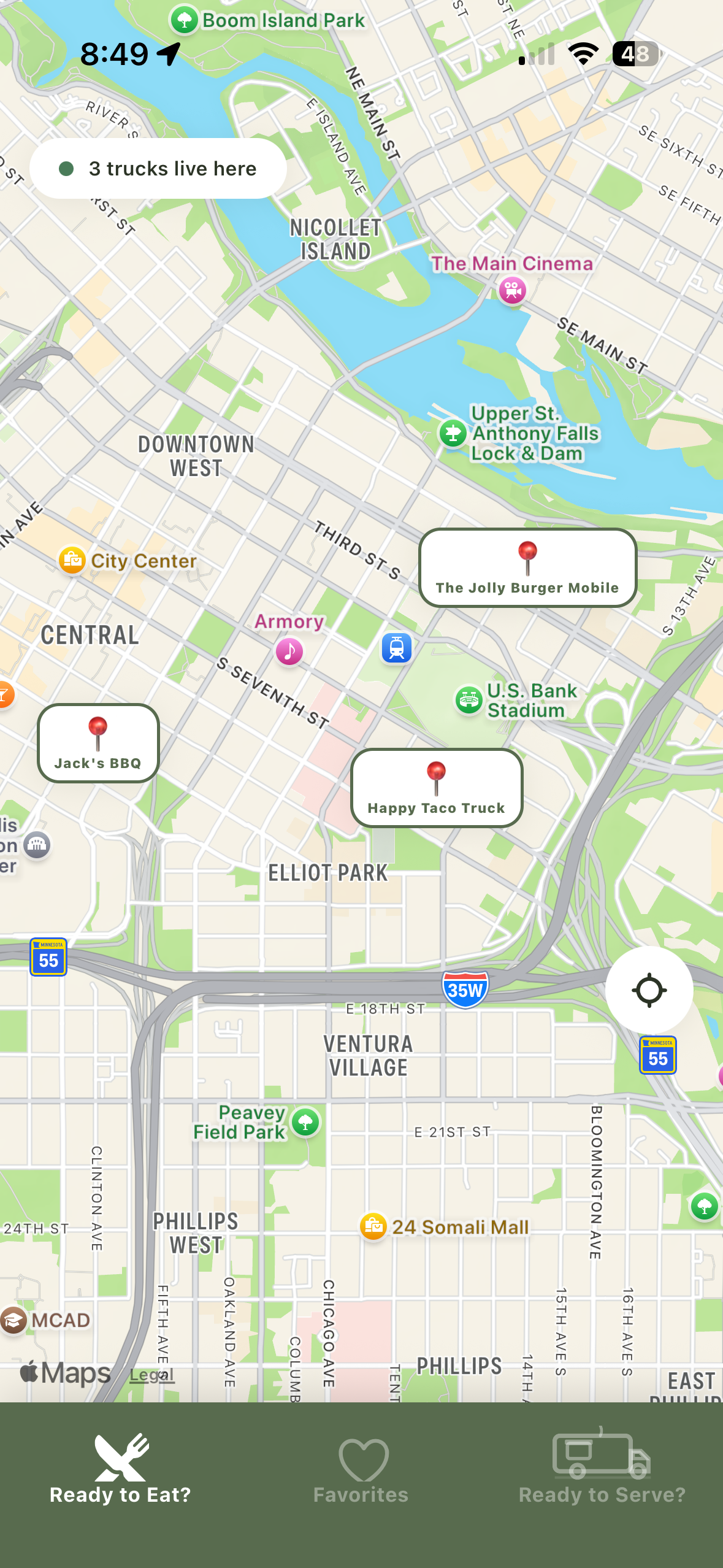
Live truck map
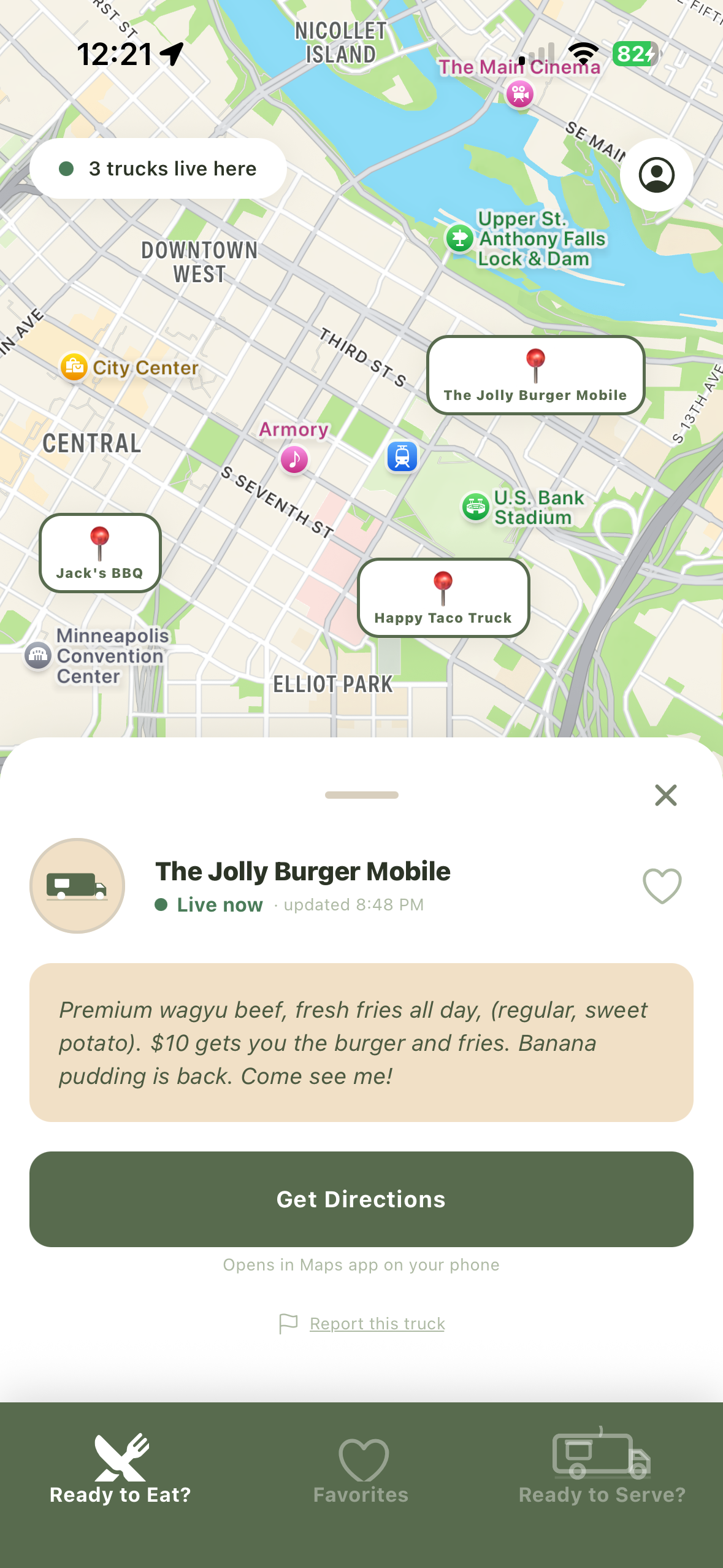
Truck details & directions
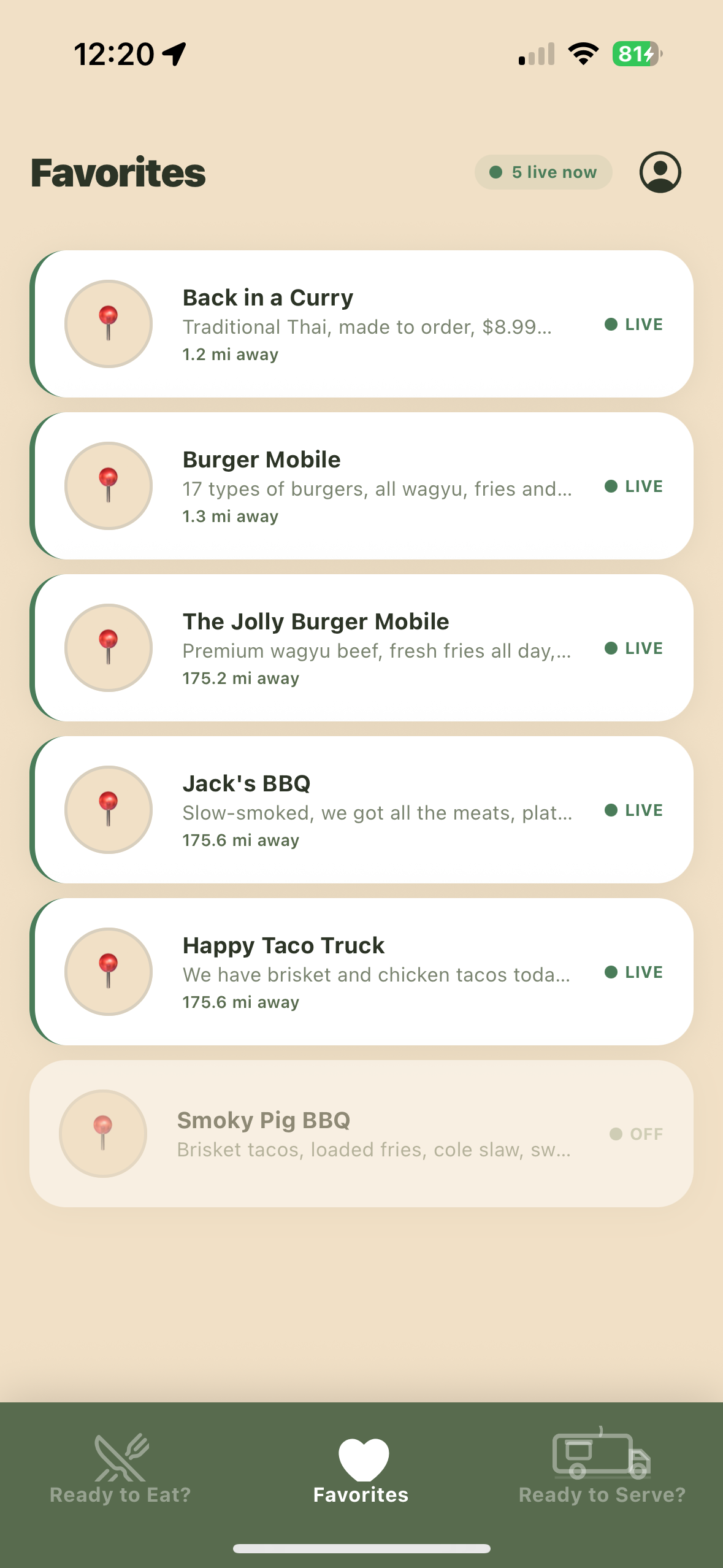
Follow your favorites
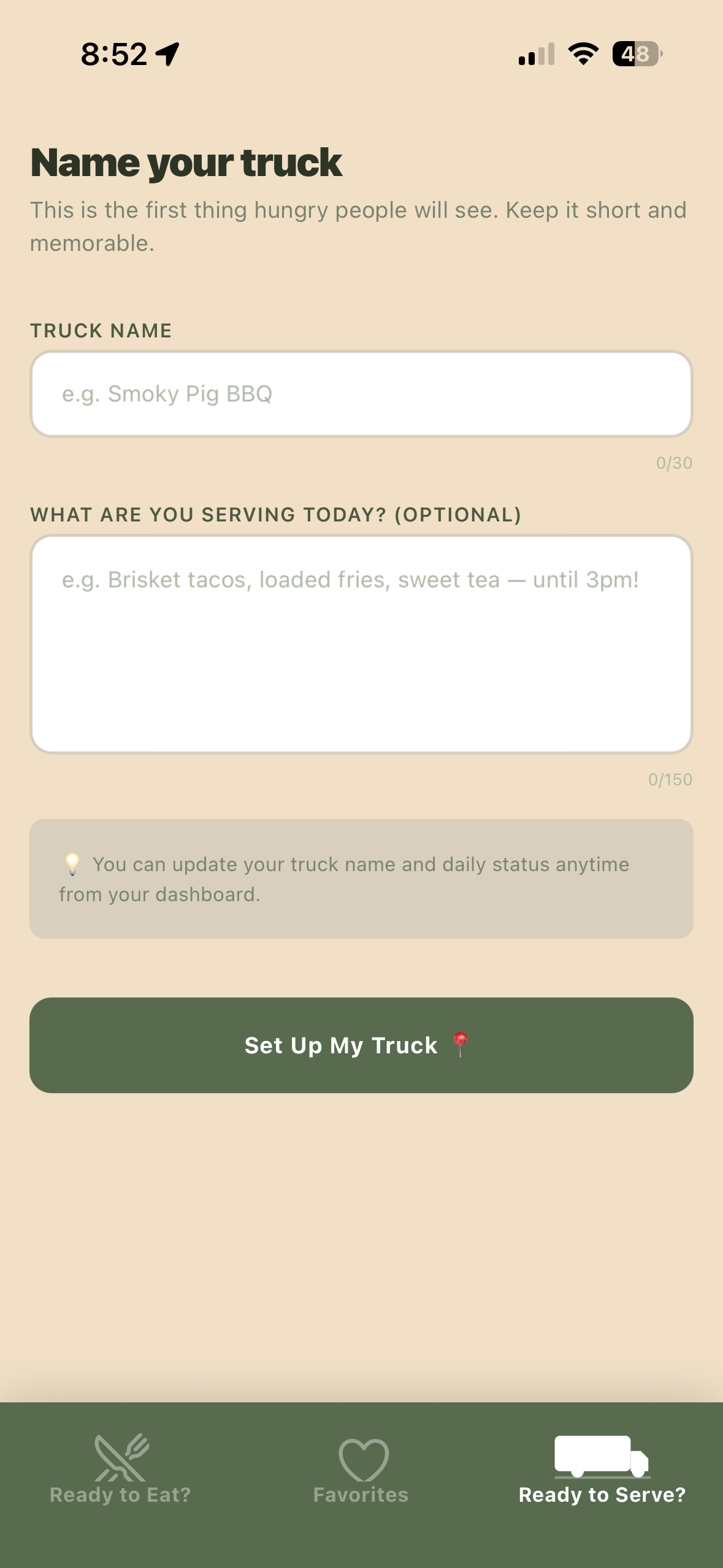
Easy truck setup
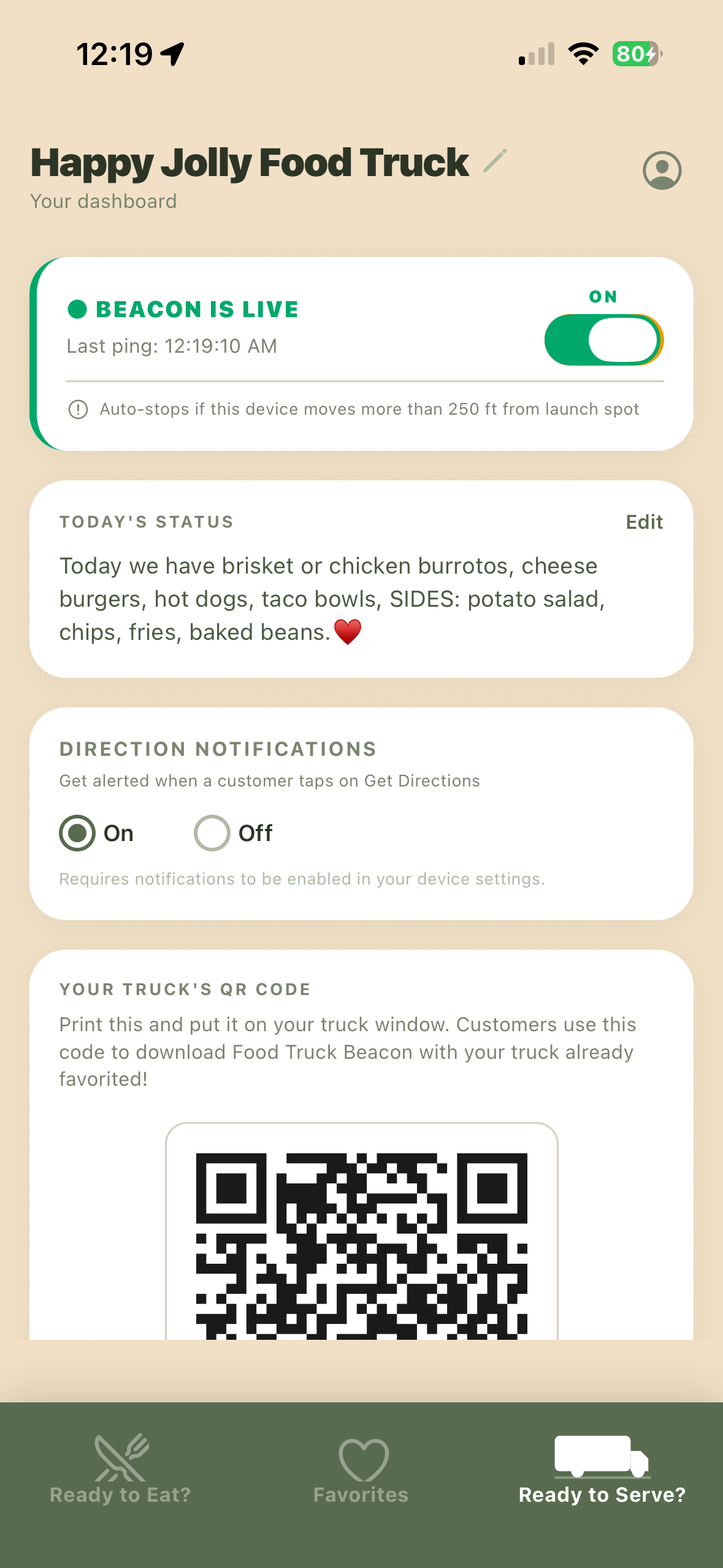
Beacon is live
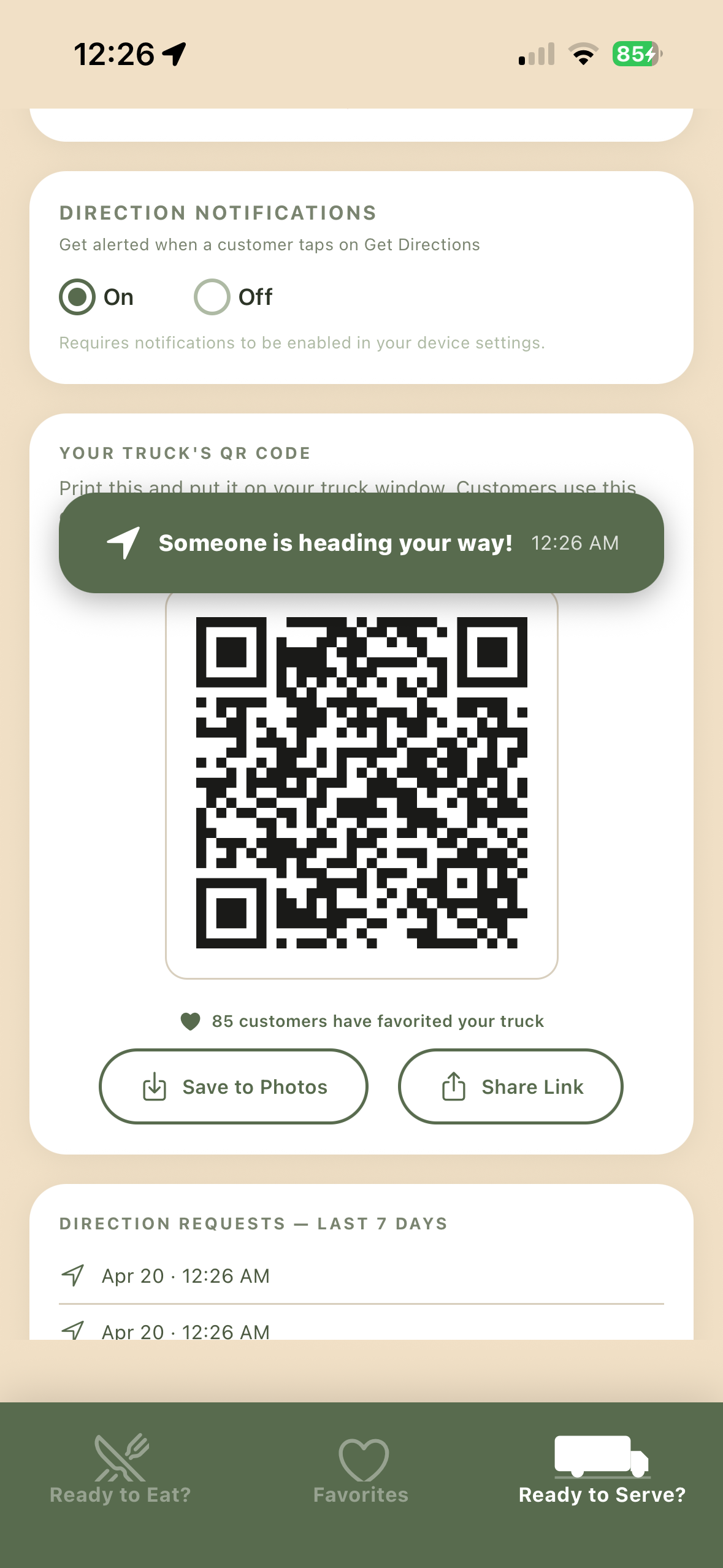
QR code & alerts
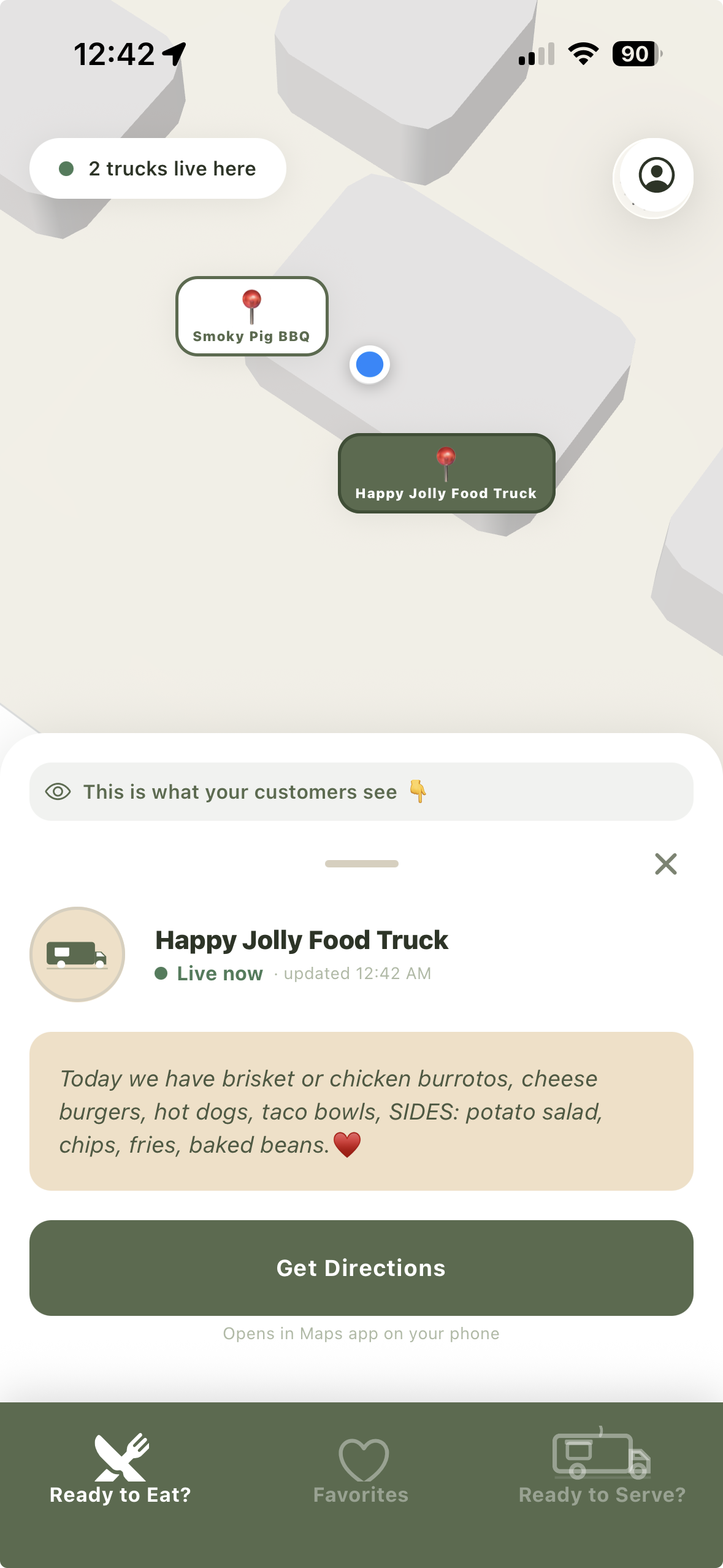
Your truck on the map
← preview the app →
Food trucks push a button to go live on the map whenever they're serving food, so hungry people nearby can find them.
Find food trucks for free — or broadcast yours with a subscription. No tiers. No catches.
Browse the map, follow favorites, get directions. No account required.
Cancel anytime.
Subscribe and manage right in the web app — cancel anytime from your account. (On the iPhone app, billing is handled through the App Store.)
Drop your email to get on the wire.
No spam. Just a heads up when Food Truck Beacon rolls out near you.
This is still new; kindly excuse the chaos as we grow the network.
Whether you're eating or cooking, here are some general questions with answers:
No. It's completely free to find food trucks on the map. No account required to browse.
On iPhone: Settings → your name → Subscriptions → Food Truck Beacon → Cancel. On Android: open the Google Play Store → your profile → Payments & subscriptions → Subscriptions → Food Truck Beacon → Cancel. Your access continues until the end of the billing period.
Open the app → tap your account icon → select "Delete Account" and all your data will be permanently removed from the server. This action cannot be undone. Cancel your subscription separately first to avoid future charges.
If a food truck owner deletes their truck, it will automatically be removed from your favorites list.
If you move more than about 250 feet from where you launched it, the app can optionally send you a reminder that your beacon is still on — so you can turn it off and avoid ghost locations or customers showing up at the wrong spot. Beacon sessions also close automatically 12 hours after they begin. You're always in control of when your beacon is on.
Yes. You can optionally update your truck name and daily menu status from your dashboard to let customers know what you're serving before they head over.
Yes. When the app is off, your location is not shown whatsoever; the app doesn't request, collect, or transmit your location. The app only knows your location if you turn your beacon to "ON" and see it turn green.
Check that location permissions are set to "Always" in your phone Settings. Toggle your beacon off and back on. Still having trouble? Email us.
Hello, I'm Andrew. I've worked in the online space for almost 20 years and spent a great deal of time building connections with people. This is an idea I've had for a long time and I've decided to pursue it, thanks to my wife and children. If you'd like to see I'm a real person you can check out my LinkedIn profile. Thank you for being here today!