Getting Started
foodtruckbeacon.com ›The app's only focus is: where are you now? Turn it on when you're serving food so people can find you.
Tap any step below to see how it works.
Enter your truck's real truck name. It's what shows up on the map. You can change it anytime from your dashboard.
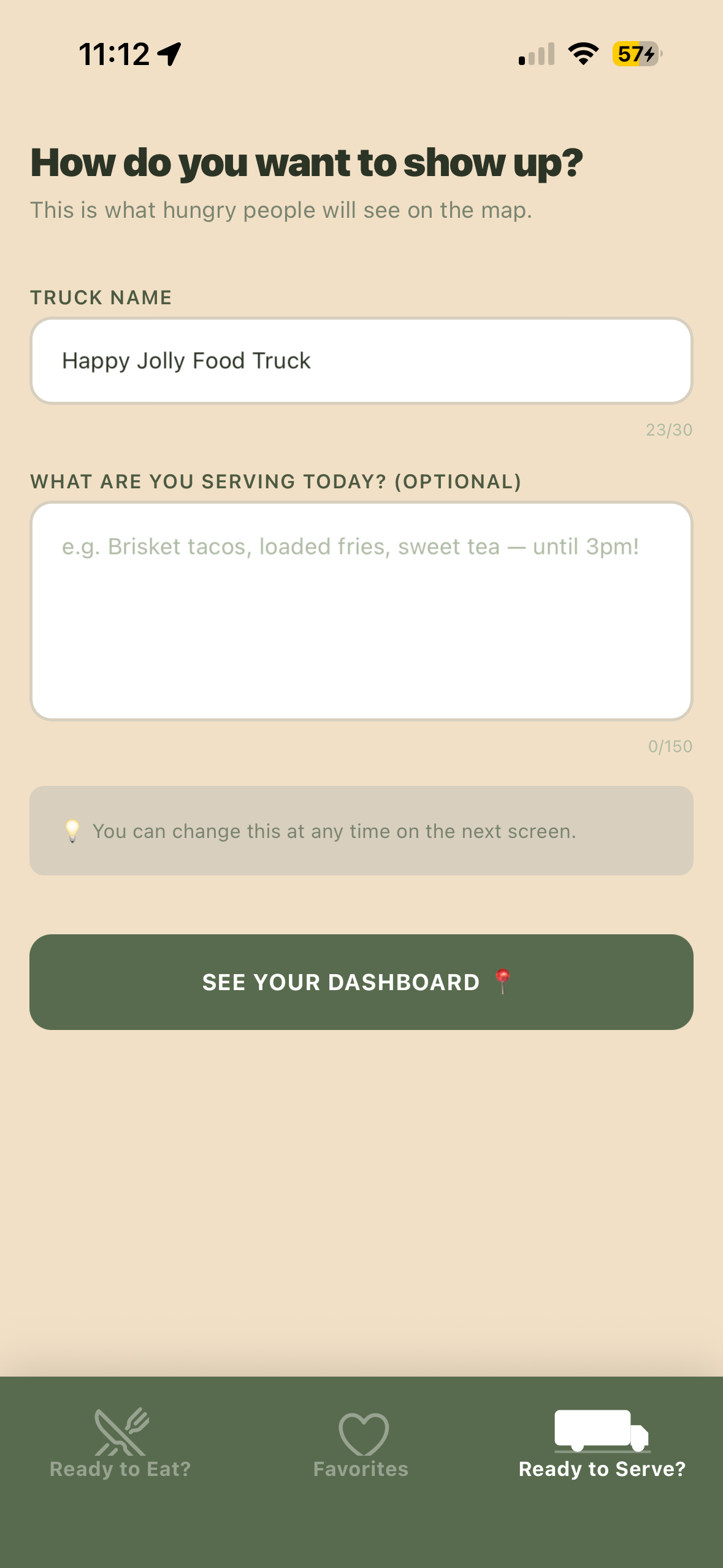
Your status is a short note customers see. Keep it a quick description of what you've got today, or a general idea of what you carry. It's not meant to be a full menu list.
It's also the perfect place to say what time you'll be leaving, or to note if you've run out of something. Once it's set, you usually don't need to touch it again unless something changes.
A few good examples
- "Tacos and aguas frescas — here till 2pm"
- "Parked by the fountain, south side"
- "Down to our last batch of birria! Leaving at 6pm."
- "Heading out at 8pm, back tomorrow at 4pm, same place."
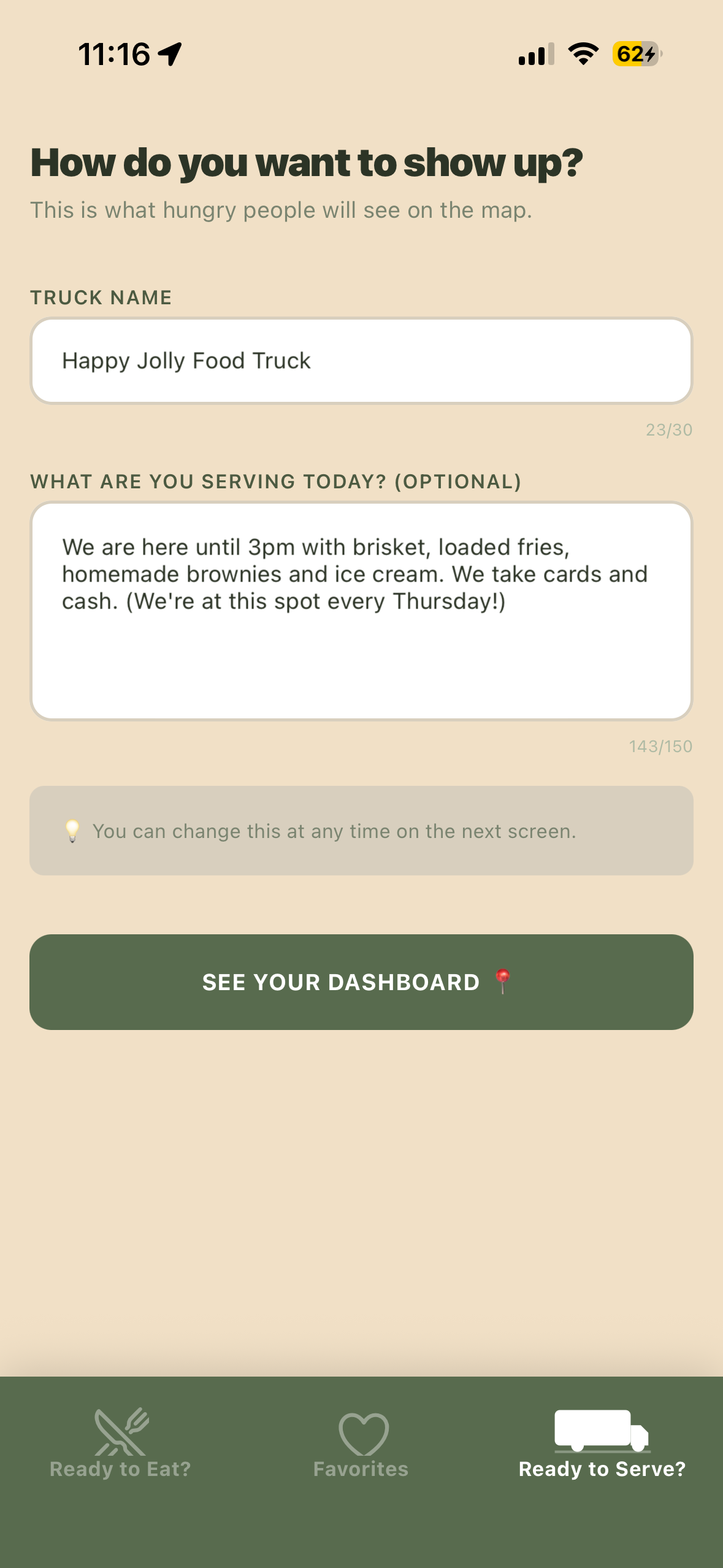
This is your home base, and it's simple on purpose so you can focus on turning your beacon on when you're serving.
How the beacon works
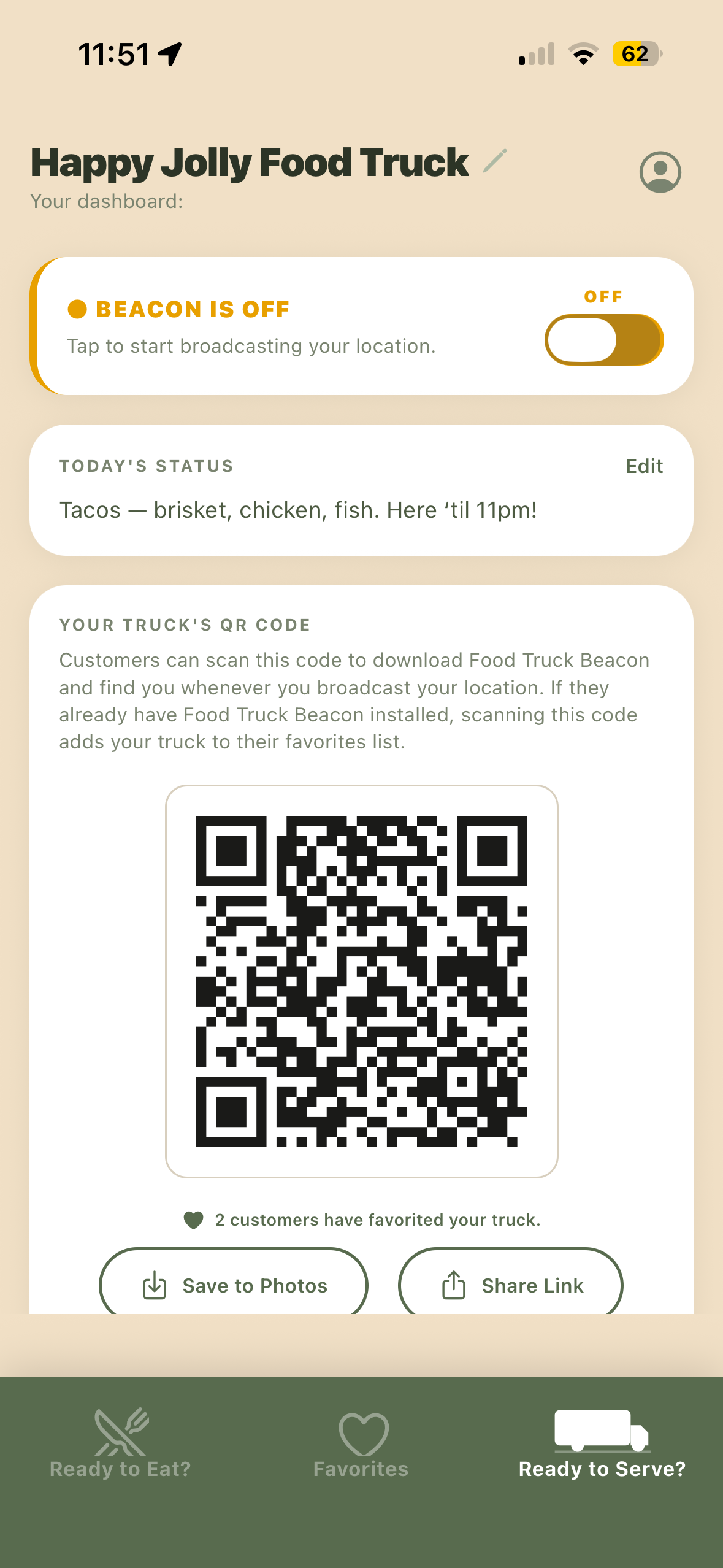
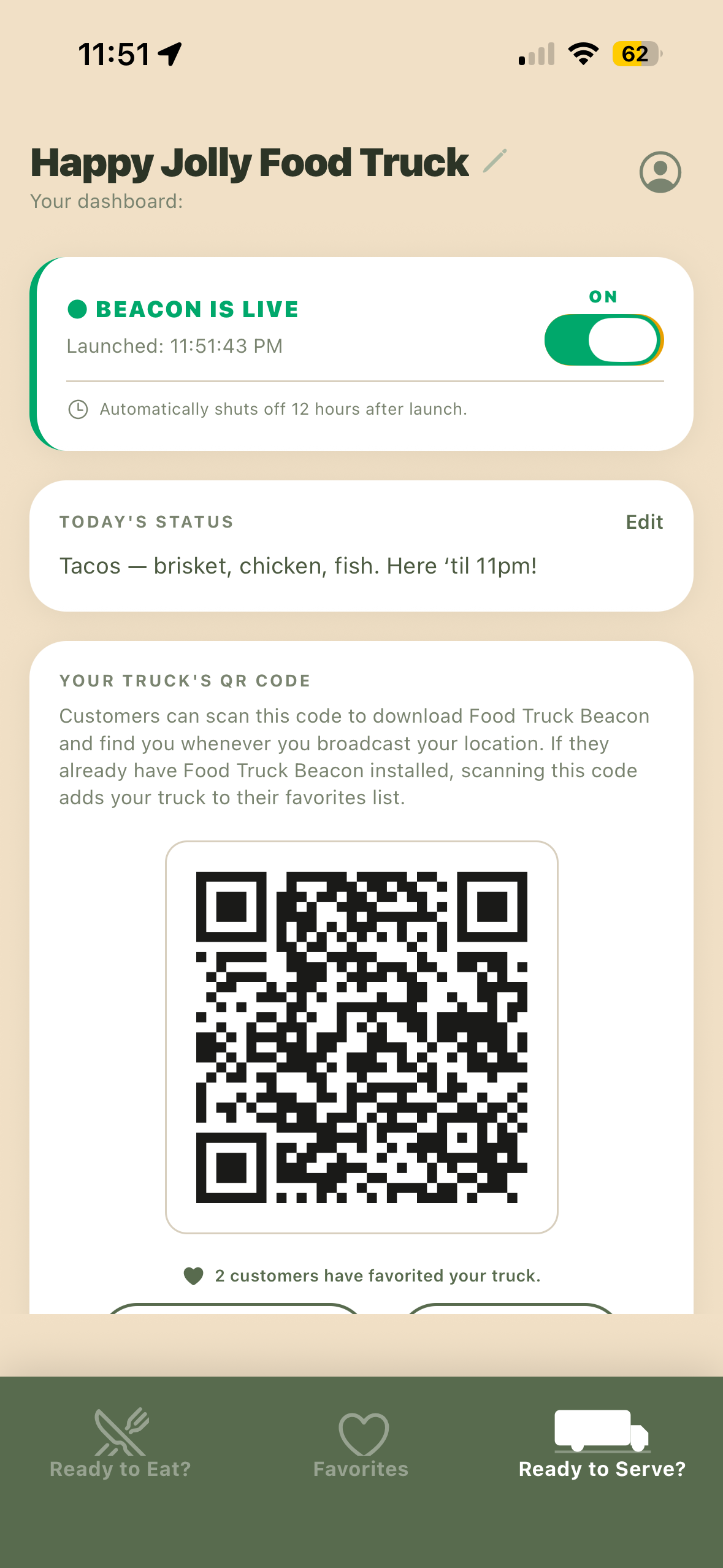
- Turning it on pins you to the map. Your pin stays right where you are.
- It doesn't follow you around — it pins the spot where you turned it on and stays there.
- It stays on until you turn it off, or shuts off automatically after 12 hours.
The geofence reminder (optional)
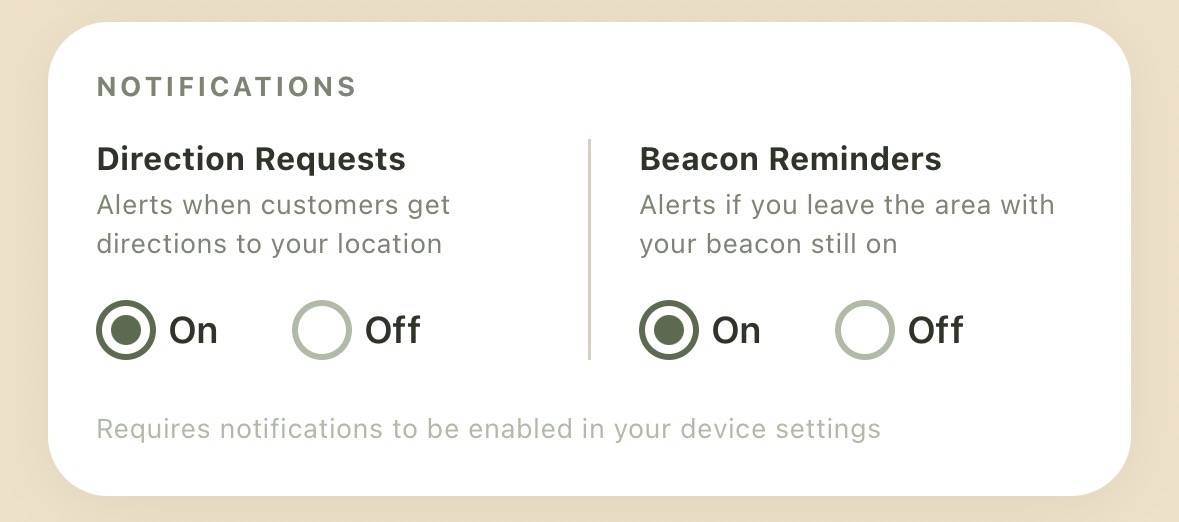
You can turn on a reminder that alerts you if you drive about 250 feet away from your spot. It's handy for remembering to switch off your beacon when you leave — but it's optional, and it does not turn your beacon off on its own.
The geofence reminder needs notifications turned on. That's also where you'll find the toggle for direction request alerts.
Direction requests
When customers tap for directions to your truck, you can get a heads-up. Two reasons it's useful:
- It's feedback — a simple signal that the app is working and people are finding you.
- It might convince you to stay open a little longer if someone's already on the way.
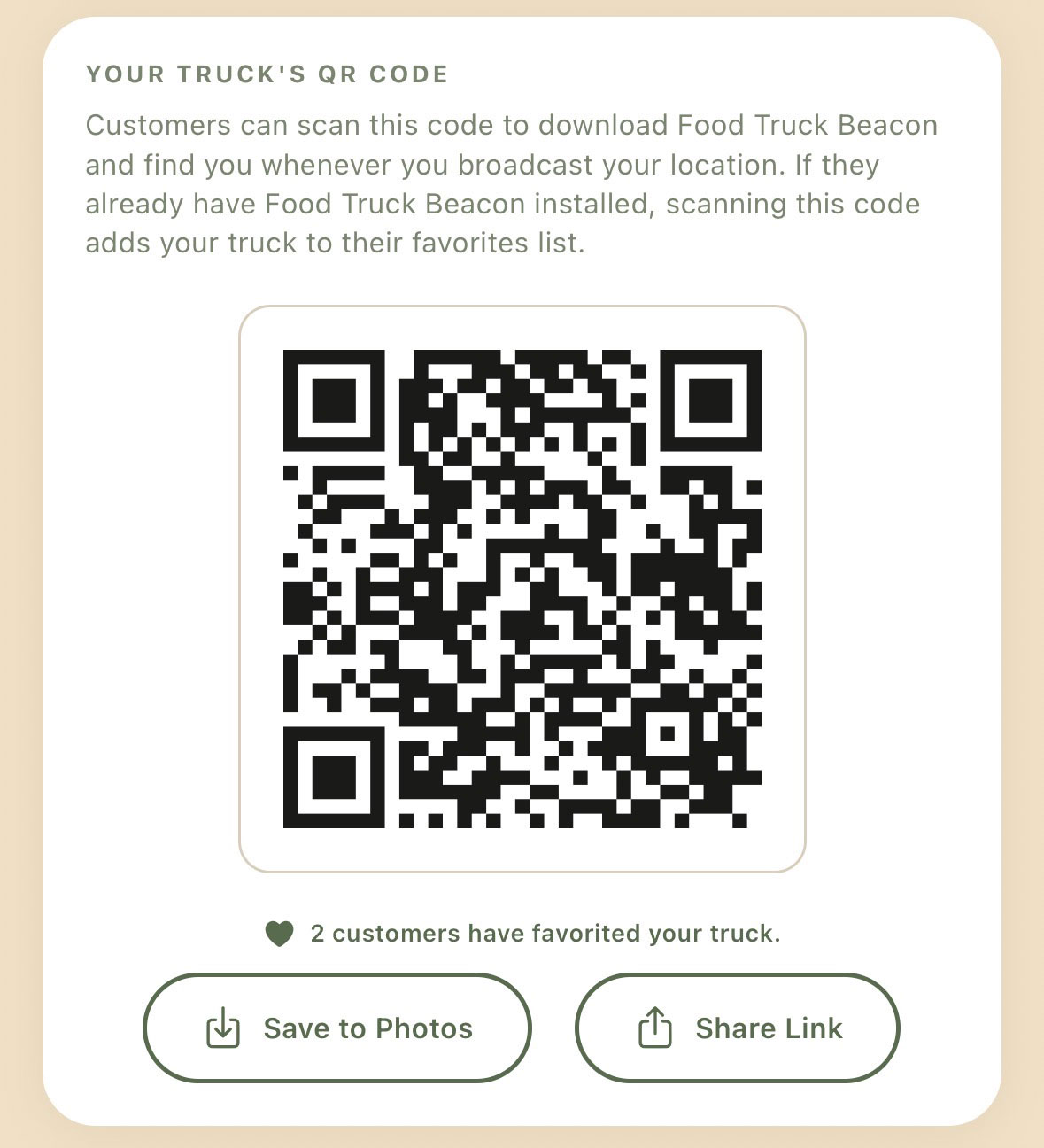
Your QR code is your own personal marketing tool. Find it on your dashboard — it's yours to download and share anywhere it makes sense: printed on your truck's window, by your point of sale, on a flyer, in a post.
When someone scans it:
- If they have the app — your truck is added to their favorites instantly.
- If they don't — it sends them to download it, ready to favorite you.
Either way, they'll see you the next time you light your beacon — even if they scanned while you were closed.
The web address behind your QR code is shareable on its own — drop it in a text or a post to your regulars to help them get onboard.
Your customers never pay, and we never contact them on your behalf. This app just helps you make the connection — the relationship stays yours.
That's it — you're live
Pull up, light your beacon, and let hungry people nearby find you. You can rely on it with your regulars starting today. The app opens on where you're standing and shows the food trucks lighting beacons around you. So we'll advertise the whole map to benefit all food trucks everywhere.
And as more trucks join, the map only gets more useful for everyone — one map for every food truck. Thanks for being here early.